How AI Automation Can Save Your Business Time and Money
Discover how AI automation saves businesses time and money by streamlining customer support, repetitive tasks, reporting, and lead follow-ups.
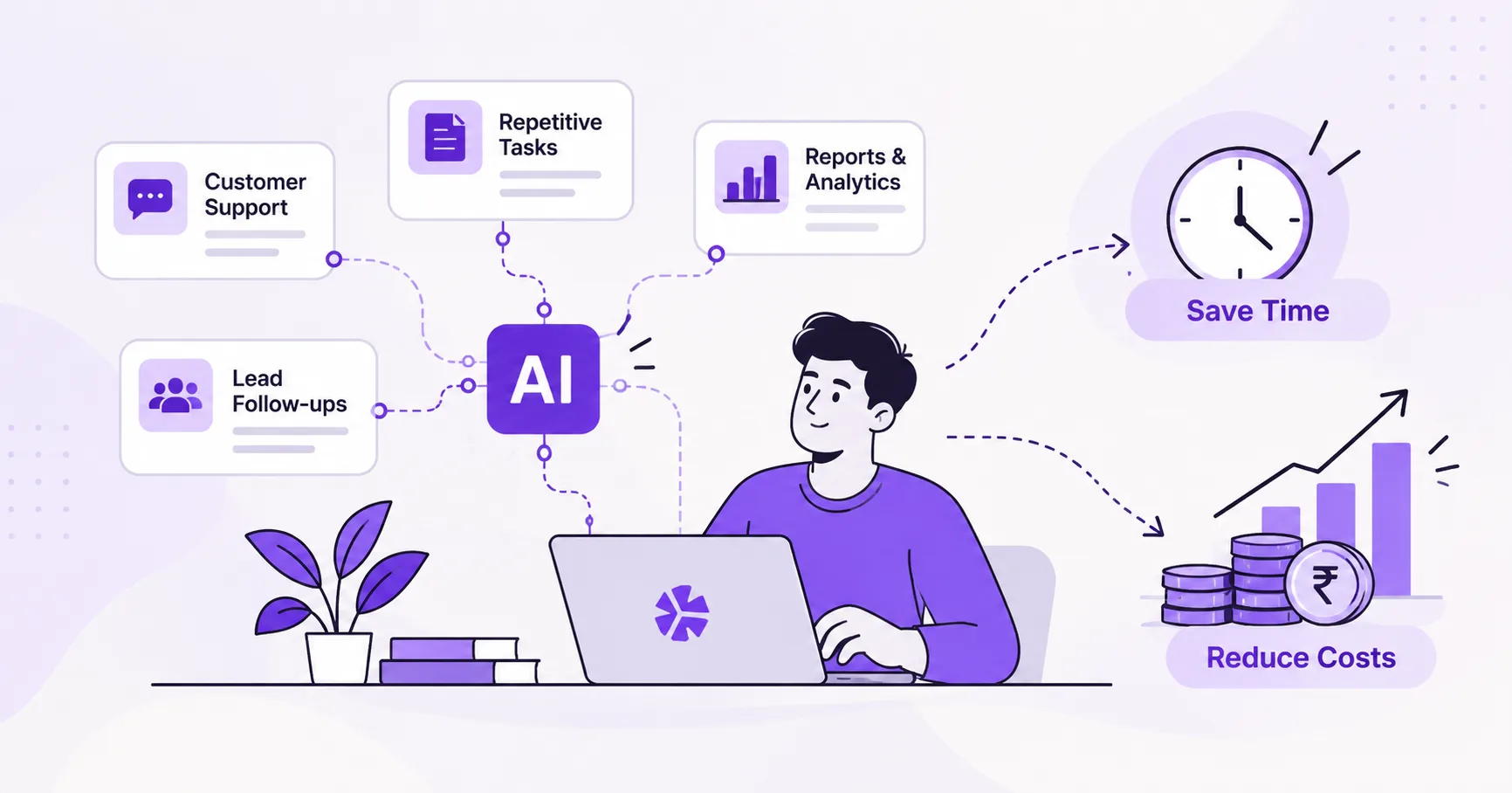
Discover how AI can streamline customer support, repetitive tasks, reporting, and lead follow-ups so your team can spend more time growing your business.
Introduction
In today's fast-paced digital world, businesses are constantly looking for ways to improve productivity, reduce operational costs, and deliver better customer experiences. However, many organizations still spend hours on repetitive tasks, manual reporting, customer inquiries, and lead follow-ups.
These activities consume valuable time that employees could spend on strategic planning, innovation, and business growth. This is where Artificial Intelligence (AI) automation makes a difference.
AI automation combines artificial intelligence with automated workflows to perform tasks, analyze information, respond to customers, and support business decisions with less manual effort.
What Is AI Automation?
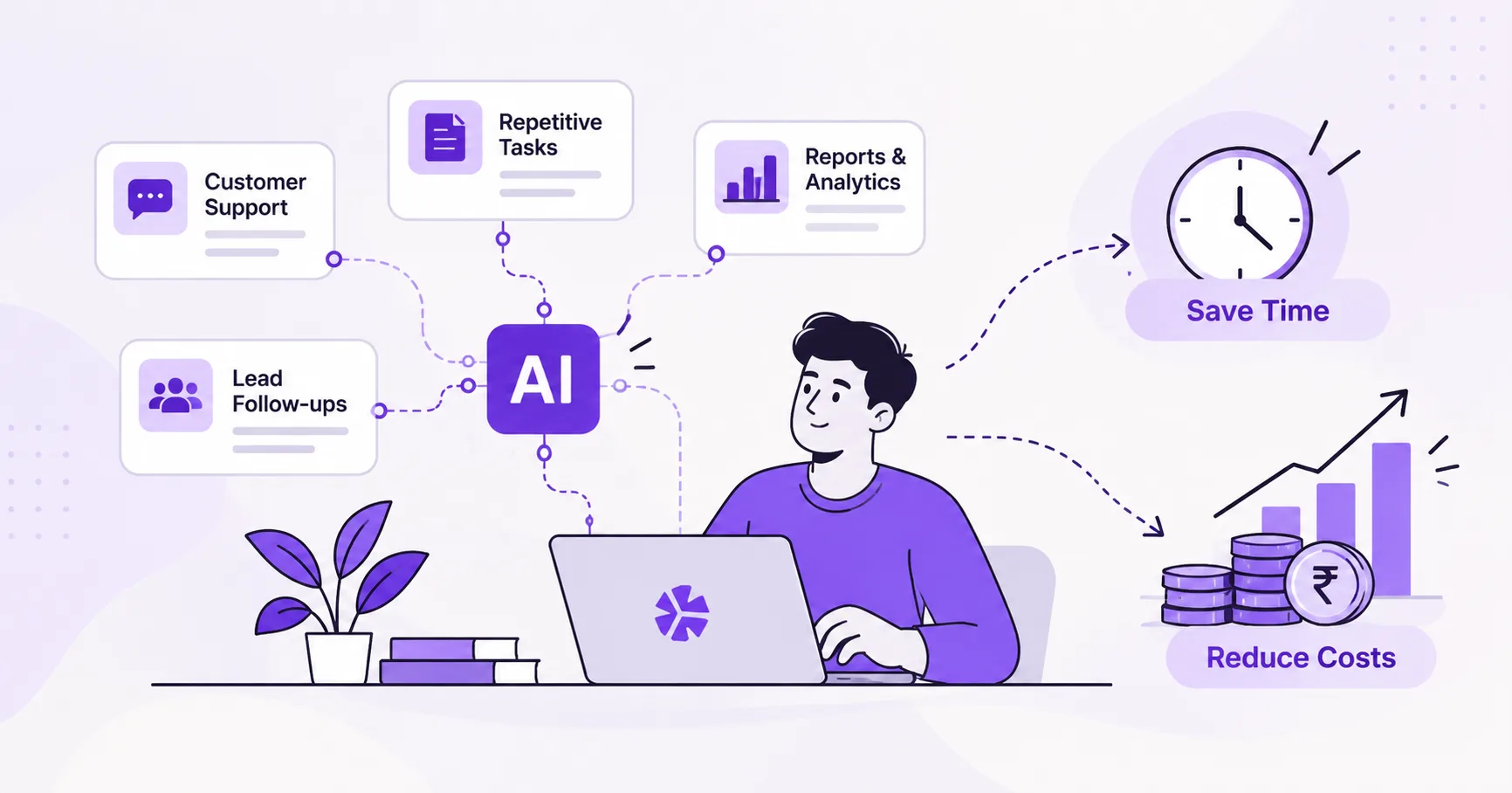
AI automation is the use of AI technologies to perform or assist with business activities that would otherwise require human effort. Unlike traditional automation, AI-powered systems can interpret language, recognize patterns, classify information, and generate recommendations.
Examples of AI automation include:
- AI chatbots that answer customer questions.
- Automated systems that organize emails and documents.
- AI tools that generate business reports.
- Lead management systems that send personalized follow-ups.
- Machine learning models that identify trends.
The goal is not to replace every human task. It is to reduce unnecessary manual work so your team can focus on activities that create greater business value.
1. Automating Customer Support with AI
Customer support is essential for building trust and maintaining customer satisfaction. However, answering the same questions repeatedly can consume a significant amount of time.
AI-powered chatbots and virtual assistants can help businesses handle common inquiries automatically.
Key Benefits
- 24/7 availability: Customers can get assistance outside business hours.
- Faster responses: Routine questions can be answered immediately.
- Reduced workload: Support teams spend less time on repetitive inquiries.
- Scalability: Multiple conversations can be handled simultaneously.
- Better customer experience: Customers can find information more conveniently.
Example: An online store can use an AI chatbot to answer questions about shipping, product availability, and returns, allowing support staff to focus on complex customer issues.
2. Automating Repetitive Business Tasks
Employees often spend hours on administrative activities such as data entry, email sorting, document processing, and scheduling. AI automation can simplify these workflows by processing information, classifying records, and triggering actions automatically.
Tasks AI Can Automate
- Data entry and data extraction.
- Email classification and routing.
- Document and invoice processing.
- Appointment scheduling and reminders.
- CRM updates and record organization.
- Routine notifications and workflow approvals.
Manual Process vs. AI-Powered Process
| Manual Process | AI-Powered Process |
|---|---|
| Employees sort incoming emails. | AI categorizes and routes emails. |
| Staff enter information manually. | AI extracts and organizes data. |
| Employees prepare routine documents. | AI drafts documents for review. |
| Teams send reminders individually. | Automated workflows send reminders. |
| Staff update CRM records manually. | Integrated systems update records automatically. |
3. Generating Business Reports Automatically
Business decisions depend on accurate and timely information. However, collecting data, organizing spreadsheets, preparing charts, and writing reports can be time-consuming.
AI-powered reporting tools can automate:
- Daily, weekly, and monthly reports.
- Sales and revenue summaries.
- Website traffic and marketing analysis.
- Customer behavior analysis.
- KPI dashboards and performance alerts.
- Trend identification and forecasting support.
Example
Imagine a company that prepares a sales report every Monday. Without automation, an employee may need to export data, clean spreadsheets, calculate totals, create charts, and summarize results.
With an automated reporting workflow, the system can collect data from connected sources, update dashboards, calculate metrics, and prepare a draft summary for review.
AI-generated reports should be checked for data accuracy and misleading interpretations before important decisions are made.
4. Automating Lead Follow-Ups and Sales Workflows
Generating leads is only one part of the sales process. Businesses must also respond quickly, maintain communication, qualify prospects, and follow up at the right time.
How AI Improves Lead Management
- Lead capture: Collect inquiries from website forms and other connected channels.
- Lead qualification: Prioritize prospects using defined criteria.
- Personalized communication: Draft or send relevant follow-up messages.
- Follow-up reminders: Schedule reminders when prospects have not responded.
- Engagement tracking: Record interactions and identify prospects needing attention.
- CRM integration: Keep lead records and sales activities organized.
Example Workflow
- A customer submits a website inquiry.
- The system saves the inquiry in the CRM.
- An acknowledgment email is sent automatically.
- The relevant salesperson receives a notification.
- A follow-up reminder is scheduled.
- The CRM record is updated when the prospect responds.
This process helps your team maintain consistent communication without manually tracking every inquiry. Always respect customer consent, communication preferences, and applicable privacy requirements.
5. How AI Automation Saves Money
AI automation can reduce operational expenses by minimizing repetitive manual work, improving consistency, and helping teams use their time more effectively.
| Business Area | Potential Cost-Saving Benefit |
|---|---|
| Customer Support | Reduces the workload associated with routine inquiries. |
| Administration | Cuts repetitive data entry and document handling. |
| Reporting | Reduces time spent collecting and formatting data. |
| Sales | Helps prevent missed follow-ups and lost opportunities. |
| Operations | Identifies bottlenecks and improves workflow consistency. |
| Decision Support | Provides faster access to useful business insights. |
Actual savings depend on existing processes, implementation costs, integration requirements, and the amount of human supervision needed. Businesses should measure results against a baseline.
6. AI Automation vs. Manual Work
| Activity | Manual Approach | AI-Assisted Approach |
|---|---|---|
| Customer Support | Staff answer each routine inquiry. | Chatbots handle common questions and escalate complex issues. |
| Data Processing | Employees enter and organize information. | AI extracts, classifies, and validates data. |
| Reporting | Staff compile and summarize data. | Automated workflows prepare reports and insights. |
| Lead Follow-Ups | Salespeople track reminders manually. | Systems schedule follow-ups and record interactions. |
| Decision Support | Teams review information manually. | AI highlights patterns for human evaluation. |
AI works best when it complements human expertise. People remain essential for judgment, relationship-building, sensitive decisions, and situations requiring empathy or accountability.
7. How to Implement AI Automation in Your Business
Step 1: Identify Repetitive Tasks
Find processes that consume significant time, involve repetitive decisions, or frequently experience delays.
Step 2: Choose the Right Opportunity
Select a workflow with a clear business benefit, such as customer FAQs, lead acknowledgment emails, or weekly reporting.
Step 3: Select Suitable AI Tools
Depending on your needs, your solution might use AI chatbots, large language models, machine learning, workflow automation platforms, or integrations with existing business software.
Step 4: Integrate Your Systems
Connect the automation to your website, CRM, database, email platform, or reporting system. Ensure data access is secure. Our team is help in that click here
Step 5: Test the Workflow
Check for inaccurate responses, missing information, failed integrations, and situations that require human intervention. Our team is help in that click here
Step 6: Measure Performance
- Time saved per task.
- Cost per processed request.
- Customer response time.
- Lead follow-up completion rate.
- Reporting turnaround time.
- Error and escalation rates.
Step 7: Improve and Expand
Use the results to refine the workflow. Expand automation to other processes after the initial solution demonstrates measurable value.
8. Is AI Automation Right for Every Business?
AI automation can benefit businesses across many industries, but the right approach depends on the process and its risks. It can be particularly useful when your business has:
- High volumes of repetitive customer inquiries.
- Large amounts of business data.
- Frequent administrative bottlenecks.
- Multiple sales leads requiring timely follow-ups.
- Recurring reporting requirements.
- Systems that can be connected through reliable integrations.
AI is not always the best solution. A simple rule-based workflow may be cheaper and more reliable for predictable tasks. Sensitive or high-impact decisions may require close human oversight.
Conclusion: Work Smarter with AI Automation
AI automation is changing how businesses manage customer support, repetitive tasks, reporting, and lead follow-ups. By reducing manual effort and improving workflow consistency, businesses can free up valuable time, manage costs, and focus on sustainable growth.
The key is to start with a clear business problem, choose the right technology, and measure the results.
we help businesses explore AI and machine learning solutions tailored to their operational needs. From intelligent automation to custom AI-powered workflows, the right solution can help your team work more efficiently.